



How to Track a Lost Wallet With Apple AirTag (Real-Life Scenarios)
Losing your wallet can be stressful, but with the Apple AirTag 2, finding it is easier than ever. AirTag 2 uses Apple’s Find My network to help locate lost items in real time. Here’s how you can track your wallet and prevent panic in everyday situations.
Step 1: Attach AirTag 2 to Your Wallet
The first step is simple—slip the AirTag 2 into your wallet or attach it via a slim keyring or card holder. Make sure it’s secure but easily accessible in case you need to scan it. Once paired with your iPhone, the AirTag is ready to track.

Step 2: Use the Find My App
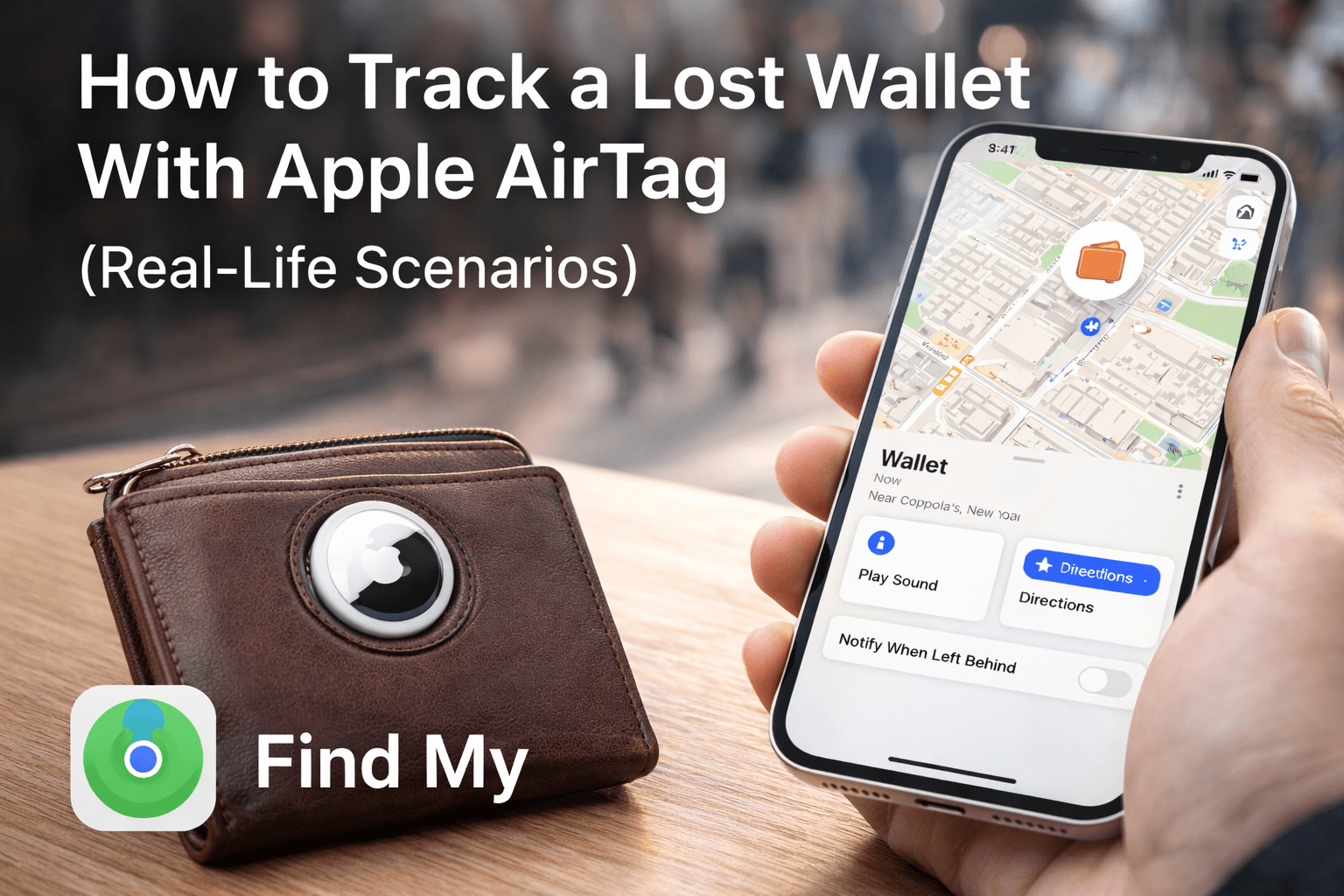
Open the Find My app on your iPhone or iPad. Select your AirTag 2 from the list of devices, and you’ll see the wallet’s last known location on a map. You can:
Play a sound to help locate it nearby
Get directions to its exact location
Enable Lost Mode to notify you when someone finds it.

Step 3: Real-Life Scenarios
Here’s how AirTag 2 helps in everyday situations:
At Home: Misplaced your wallet between couch cushions? Play a sound to locate it quickly.
At Work or School: Left it in a meeting room or locker? Check the app to see the last location.
Out and About: If lost outside, Lost Mode allows anyone who finds it to contact you via NFC, keeping your wallet secure.

Step 4: Safety Tips
Always keep your AirTag 2 updated with the latest firmware.
Make sure your iPhone’s location services are turned on.
For Android users, AirTag 2 can still be scanned via NFC if lost, though tracking features are limited.